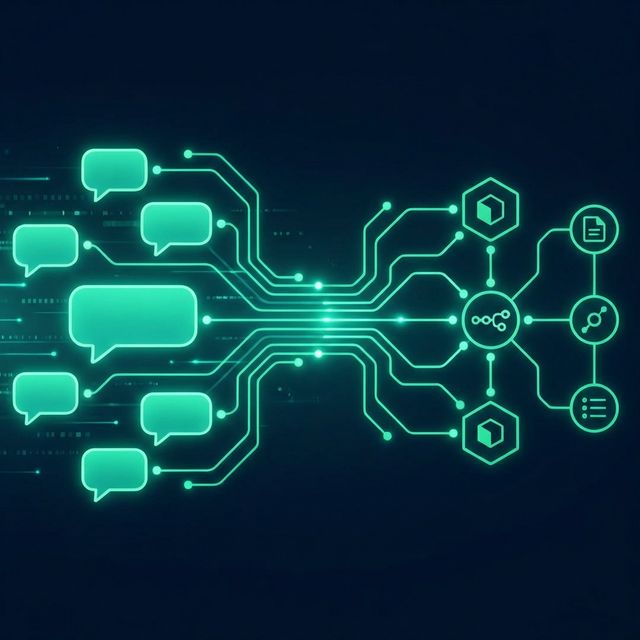
Are your sales reps spending more time answering "Where is my order?" than actually closing deals? If you run a business in LATAM, WhatsApp is your main operating system. But handling it manually doesn't scale.
Most businesses hit a wall when they reach 50+ inbound messages a day. The team gets overwhelmed, messages slip through the cracks, and response times stretch from minutes to hours. This is where automation comes in to save both your sanity and your profit margins.
Why n8n is the perfect tool for WhatsApp
You've probably heard of Zapier or Make.com. While great tools, they charge per "task" or execution. When you're running a high-volume WhatsApp bot, every incoming message, AI processing step, and outgoing reply counts as a task. Your bill will skyrocket.
n8n on the other hand, can be self-hosted. This means you pay a flat server fee (usually around $10-20/month) and you can process millions of messages for free. It's the ultimate weapon for scaling operations without scaling costs.
The Architecture of an AI WhatsApp Bot
To build a bot that doesn't sound like a generic robot (like the dreadful "Press 1 for Sales" menus), we need three components:
- Evolution API / Baileys: This connects your actual phone number to the system via Webhooks. It pretends to be WhatsApp Web.
- n8n: The brain of the operation. It receives the message, routes the logic, and decides what to do next.
- OpenAI (ChatGPT) / Claude: The conversational layer. We pass the user's message to the AI along with a specific prompt ("You are Sofia, a customer service agent for X company...").
Step-by-Step Build
Step 1: Setting up the Webhook
First, create a new workflow in n8n and add a "Webhook" trigger node. Set it to listen for POST requests. Point your Evolution API (or whatever WhatsApp API provider you use, like Wati or Z-API) to this webhook URL.
Step 2: Parsing the Message
Add a Switch node. You want to filter out group messages, status updates, and only let direct text or audio messages pass through. If someone sends an audio message, route it to OpenAI's Whisper API to transcribe it to text first.
Step 3: The AI Assistant Node
Connect the text to an "OpenAI Chat" node. Here is the secret sauce: The System Prompt. Do not just use a standard prompt. You need to give the AI access to tools (Function Calling). For example, if a user asks for order status, the AI should be able to trigger an HTTP node that checks your Shopify/WooCommerce database.
Step 4: Sending the Reply
Take the output text from OpenAI and map it to an HTTP Request node that POSTs back to your WhatsApp API provider, sending the message back to the customer's phone number.
The Results
We implemented this exact architecture for a retail client last month. Within exactly 48 hours of going live, the AI bot successfully handled 82% of all incoming queries (FAQs, shipping times, product availability) without human intervention. The human team was finally able to focus solely on high-ticket sales and complex support issues.
Don't have time to build this yourself? At digno.ai, we specialize in building these exact systems. Book a free audit with us and we'll show you exactly how this can be deployed for your specific business in under 2 weeks.